
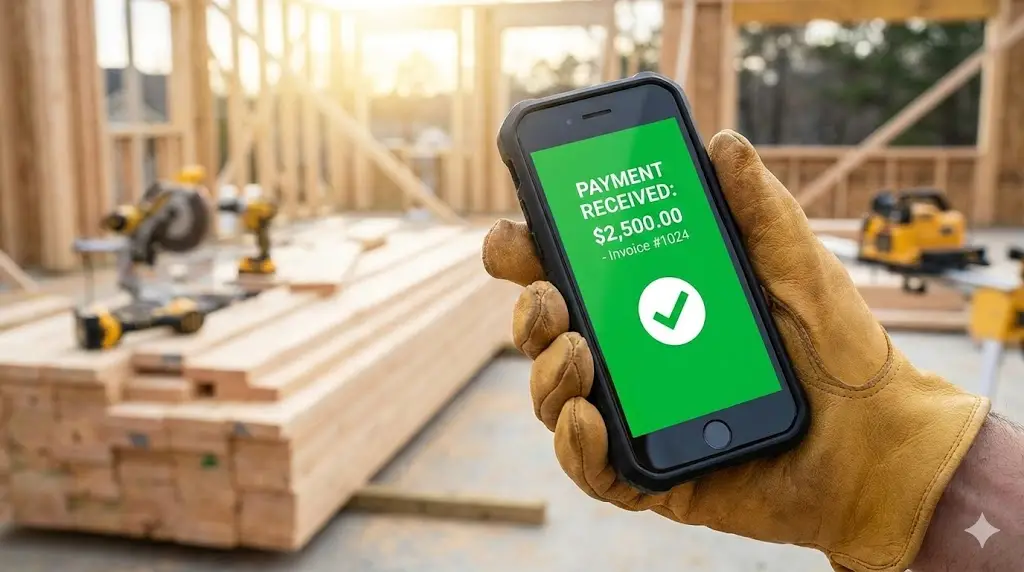
The hardest part of a contractor’s job shouldn’t be getting paid. Yet, in 2026, too many pros are still using Microsoft Word to make bills. To get paid faster, you need the best AI invoicing software to automate the entire process. These tools turn a 4-hour Sunday night chore into a 15-minute task.
If you are tired of chasing down checks, losing track of receipts, or forgetting to bill for materials, you need the best AI invoicing software. These tools don’t just “send a PDF.” They act as an automated accounts receivable department that lives in your pocket. They text clients secure payment links, chase down late payments automatically, and instantly sync with your bank so you always know your profit margin.
According to 2026 construction industry data, small contracting businesses lose up to 14% of their annual revenue simply due to poor invoicing practices—whether that’s under-billing for materials or forgetting to send the bill entirely. AI tools fix this by automating the entire process from the moment the job is finished.
Here are the top 3 AI tools that are helping contractors get paid 2x faster this year.
Top 3 Best AI Invoicing Software for Contractors
1. Jobber: Best AI Invoicing Software for Field Service
Jobber is the industry standard for home service businesses like landscaping, HVAC, and cleaning. It connects the actual work to the payment seamlessly.
- The AI Advantage: Automated Follow-Ups: Jobber uses automation to “chase” clients for you. If an invoice isn’t paid in 3 days, Jobber automatically sends a polite text and email reminder. You don’t have to have the awkward “money talk”—the software does it, and it works. Users report getting paid 4x faster when using automated reminders.
- Best Feature: “Batch Invoicing”: If you mow 50 lawns or clean 20 pools a week, sending 70 individual invoices is a nightmare. Jobber lets you select all completed jobs and generate/send all invoices in one click at the end of the month.
- Client Hub: It provides a professional portal where your clients can approve quotes, pay invoices securely online, and see their service history. This makes you look like a much larger company than you are.
- Pricing: Starts at ~$19/month for the Core plan.
2. FreshBooks: Top AI Invoicing Software for Solopreneurs
If you are a solo operator, general contractor, or freelancer, FreshBooks is incredibly easy to use and looks very professional.
- The AI Advantage: Expense Tracking: Its “Expense Tracking AI” scans your receipts. You just snap a photo of your Home Depot receipt in the truck, and the AI reads the date, amount, and vendor. It categorizes it automatically (e.g., “Materials” or “Fuel”) so you never miss a tax deduction.
- Best Feature: Automated Retainers: If you work on long-term projects (like a kitchen remodel), it can automatically bill the client for the next milestone or recurring retainer without you lifting a finger. This ensures consistent cash flow throughout long jobs.
- Profitability Analysis: The dashboard shows you exactly how much profit you made on each specific job by comparing the tracked hours/expenses against the invoice amount.
- Pricing: Starts at ~$17/month for the Lite plan.
3. QuickBooks Online (Best for Scaling Companies)
QuickBooks is the beast of accounting. It’s what your accountant wants you to use, and for good reason—it scales from $100k to $10M in revenue.
- The AI Advantage: Cash Flow Planner: It predicts your future cash flow. The AI analyzes your spending habits and upcoming invoices to tell you: “Warning: You might be low on cash in 2 weeks.” This saves you from bouncing payroll checks during slow months.
- Best Feature: Bank Feed AI: It matches transactions from your bank account to your invoices automatically. When a deposit hits your bank, QuickBooks matches it to “Invoice #104” so your books are always “audit-ready” without manual data entry.
- Payroll Integration: Since it handles payroll natively, you can track labor costs against specific jobs instantly, giving you a true “Job Costing” report.
- Pricing: Starts at ~$30/month, but usually requires higher tiers for advanced features.
The Hidden Cost of Manual Invoicing
Many contractors stick to “pen and paper” or Word documents because they think software is an unnecessary expense. But manual invoicing has hidden costs:
- The “Net-60” Trap: When you mail a paper invoice, it takes days to arrive, days to be opened, and weeks to be paid. Digital invoices sent via text are often paid within 24 hours.
- Forgotten Material Costs: Did you buy an extra box of screws or a specialized valve for that Tuesday job? If you didn’t log it immediately, you likely forgot to bill the client for it. AI receipt scanning prevents this leakage.
- Admin Time: Spending 4 hours on Sunday night doing billing is 4 hours you aren’t spending with your family. AI cuts this down to 15 minutes.
Buyer’s Guide: Features You Need in 2026
When choosing the best AI invoicing software, look for these three non-negotiable features:
- Mobile App: You need to be able to send an invoice from the driveway before you even start your truck. If the app is clunky, you won’t use it. (FreshBooks and Jobber win here).
- “Pay Now” Button: The invoice must allow the client to pay instantly via Credit Card or ACH transfer. Friction kills payment speed.
- QuickBooks Integration: Even if you use Jobber for daily work, your accountant likely uses QuickBooks for taxes. Ensure your chosen tool syncs with it.
Frequently Asked Questions (FAQ)
Q: Is it safe to link my bank account? A: Yes. Major platforms like QuickBooks and FreshBooks use bank-level encryption (256-bit SSL). They are often safer than keeping paper records that can be lost or stolen. Read more in our guide: Is AI Safe for Client Data?.
Q: Can I charge credit card fees to the client? A: Yes, most software allows you to pass the ~3% processing fee on to the client, or offer them a discount for paying via bank transfer (ACH), which is cheaper for you.
Q: Which one is easiest to learn? A: FreshBooks is generally considered the most user-friendly for beginners. QuickBooks has a steeper learning curve but is more powerful for accounting.
Summary: Which Tool Should You Pick?
- For Field Service Crews (Landscapers, HVAC, Cleaning): Use Jobber. It manages the crew and the cash.
- For Solo Pros & General Contractors: Use FreshBooks. It’s simple, fast, and tracks expenses perfectly.
- For Big Business & Payroll: Use QuickBooks Online. It keeps your accountant happy and handles complex payroll.
Next Step: Now that your operations are fully automated—from Roofing Estimates to Invoicing—you are ready to scale.
If you are worried about data security with all these financial tools, read our guide on Is AI Safe for Client Data? to ensure you stay compliant.